
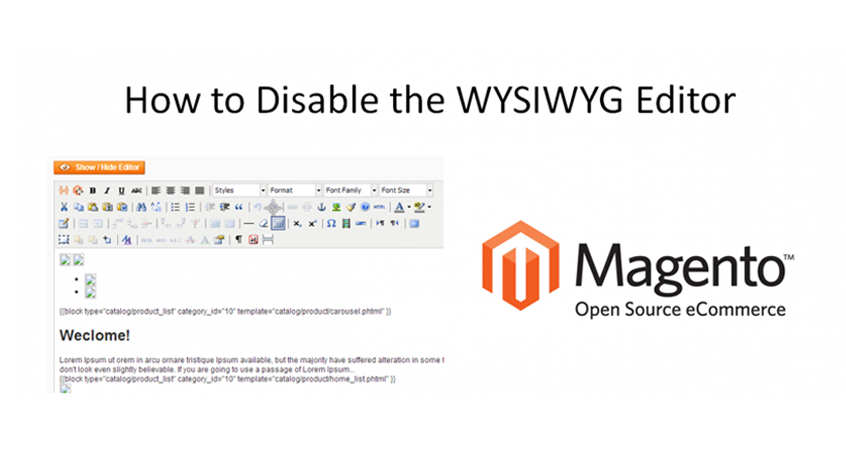
How to Disable the Magento WYSIWYG Editor
Magento comes with a lot of features out of the box, one of those is a HTML editor to allow easy adding and editing of HTML in almost all content areas.
However for advanced users, it’s more of a nuisance and you can disable it if you prefer, in this video I show you how.
There it’s that easy and super handy for HTML editing in Magento for advanced users.





Trackbacks & Pingbacks
RT @lastdropofink: How to Disable the Magento WYSIWYG Editor: Magento comes with a lot of features out of the box, one of those… http://t.co/idnlluPu #in
How to Disable the Magento WYSIWYG Editor: Magento comes with a lot of features out of the box, one of those… http://t.co/idnlluPu #in
How to Disable the Magento WYSIWYG Editor: Magento comes with a lot of features out of the box, o… http://t.co/bZUl8ssX @lastdropofink
How to Disable the #Magento WYSIWYG Editor | How to Disable the Magento HTML Editor http://t.co/dKF4DwYF via @lastdropofink
Leave a Reply
Want to join the discussion?Feel free to contribute!